In my two decades as a business coach, I’ve discovered a recurring weak spot in small businesses: organizational design. If planning on this front happens at all, it’s usually a delayed reaction instead of an intentional tactic for business development. Every small business would benefit from creating a functional organizational chart as early as possible.
Key Takeaways:
- Confusion disappears when every employee clearly understands their role, responsibilities, and who they report to.
- Businesses scale faster and more smoothly when the organizational structure is planned intentionally rather than reactively.
- The best org charts are living roadmaps that grow alongside the company and prepare it for the future.
What Is a Functional Organizational Chart?
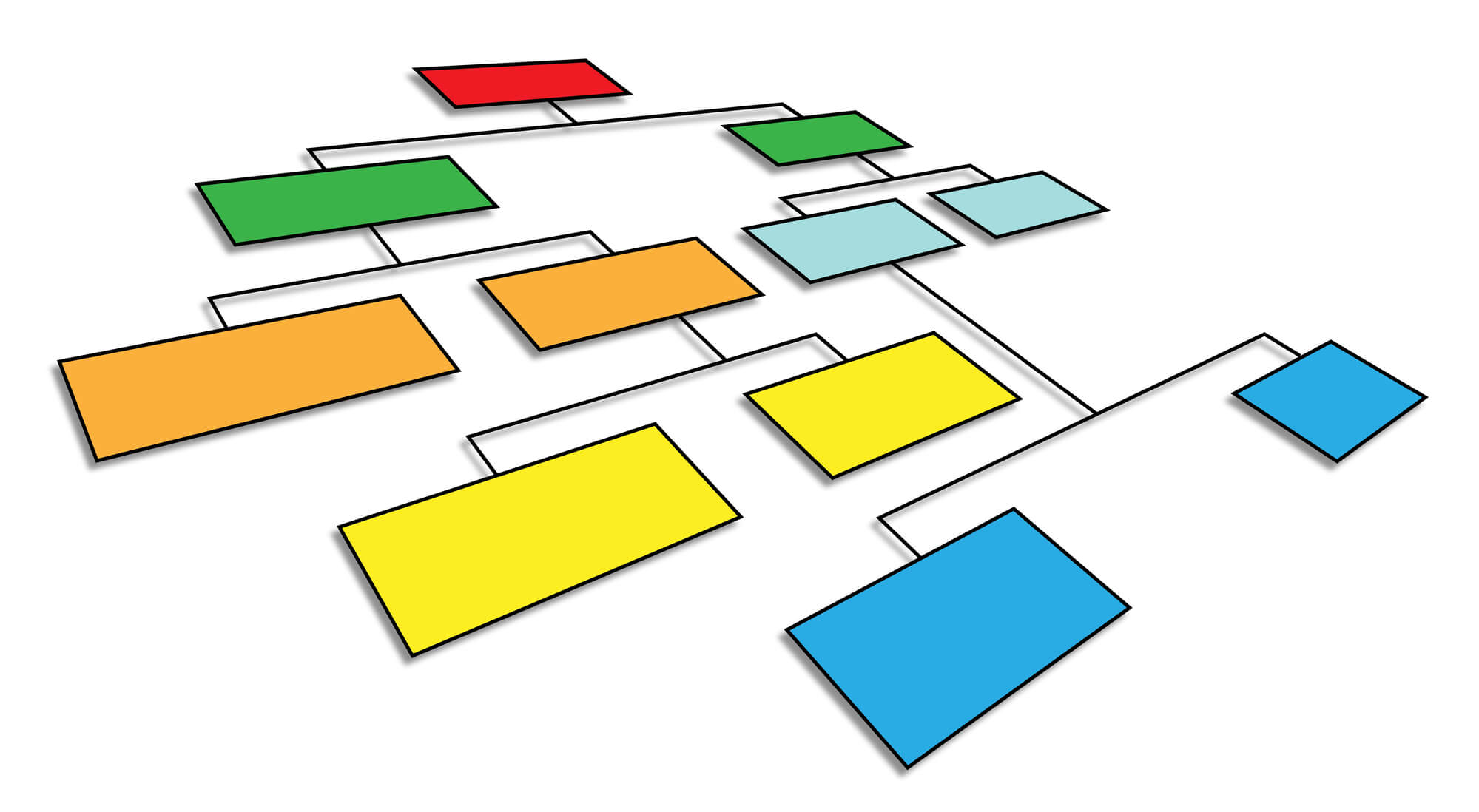
A functional organizational chart is a diagram of every position in your company, job titles, a summary of duties, and a reporting structure. It’s essentially a flowchart made up of boxes and arrows. Each box contains a position name and description, while the arrows show who reports to whom.
Some charts are arranged vertically, with the CEO at the top. Other businesses find it easier to arrange horizontally depending on the reporting structure. Either way, a functional organizational structure groups employees by their roles within a designated department, such as marketing, finance, or operations.
Why a Functional Organization Chart Matters
A functional organizational structure chart can be helpful for new employees and veterans alike. Often, even employees who have been with the company for years won’t know their coworkers’ job titles or duties. An organizational chart can help everyone learn who to contact with questions or new ideas, making collaboration much more manageable.
Who Uses a Functional Organization Chart?
While this structure works well for a variety of businesses, it’s best suited for multi-departmental operations and companies with enough employees for reporting to get hairy. It’s beneficial for small businesses that have begun to scale, as it clarifies the reporting process and takes pressure off a business owner trying to delegate more responsibility to team leads.
Pros and Cons of a Functional Organizational Structure
Pros
Before committing to any one organizational structure, it helps to understand what you’re signing up for. There are a few reasons this one tends to work better than a flat organizational chart, matrix organization structure, cross-functional organizational chart, or other divisional structure:
- When every role has a defined place on the functional organizational chart, there’s no question about the reporting structure. Employees know exactly who their manager is and where they fit into the company’s larger picture.
- Getting clear on roles and ensuring they stay specialized within their departments, rather than having several people wear multiple hats, allows your employees to develop fully in their roles. A marketing team focused solely on marketing will almost always outperform a scattered team that tries to handle both marketing and sales.
- Performance management. Managers can better evaluate and train their direct reports when everyone in their group is doing similar work.
- As your company grows, you can add roles within existing departments or create new departments without needing to restructure your entire organizational chart.
Cons
A functional top-down organizational chart does come with a few trade-offs that are worth considering:
- Communication breakdowns. When teams are grouped by department, cross-departmental communication can break down. Employees may also develop an “us versus them” mentality between departments, which can create rivalries and jeopardize collaboration.
- Bottlenecks. Decisions often flow upward through department heads before reaching leadership, then back down to the involved parties, which can slow response times in fast-moving situations.
- Narrow perspective. Employees in one area of the organization may lose sight of company-wide goals. Keeping the bigger picture in mind requires intentional effort from leadership.
- Challenges for small teams. Very small businesses with only a handful of employees may find a strictly functional organizational chart too rigid. In early stages, employees naturally wear many hats, and a more flexible structure may serve you better until you reach a certain size.
How to Create a Functional Organizational Chart
Identify Core Business Functions
To create a functional organizational chart for your business, first list all your company’s employees, along with the job titles and duties that correspond with each. Include each person’s contact information, such as company email addresses and phone numbers, and group the boxes by department.
Here’s a tip that I learned the hard way and has become a strongly suggested “best practice” for my coaching clients: It’s essential to create two versions of your chart: one depicting your company structure as it is now, and another for a future year with only duties and job titles instead of names. Creating a future-oriented perspective is very important for planning how to manage growth. This should project your staffing needs as your business grows.
Define Roles and Responsibilities
Once you have your list of employees and job titles, write a brief summary of each person’s core responsibilities. This doesn’t need to be a complete job description—two or three sentences should be enough to give context. The goal is for anyone glancing at the functional organizational chart to immediately understand what each role contributes to the business.
Organize Hierarchy and Reporting Lines
Next, arrange them in hierarchical order. Draw clear reporting lines between positions: who manages whom, and who each person should go to with questions, project updates, or other issues. In a functional organizational structure, employees typically report to the head of their department, who in turn reports to an executive or the business owner.
Visualize Your Chart with Digital Tools
You can then use a flowchart-making software to turn your list into a graphic. This can help newer employees navigate the organization and put names to faces at a glance.
Review with Department Heads
Before finalizing your functional organizational chart, review it with your department heads or team leads. They’ll often catch inaccuracies you’ve missed, such as an incorrect reporting line, a missing role, or a title that no longer reflects what someone actually does. Getting their input also makes it easier to roll the chart out to the wider team.
Communicate and Update Regularly
A functional organizational chart is only useful if people know it exists and can access it easily. Share it during onboarding, include it in your employee handbook, and post it somewhere your team can reference it, whether on a shared drive or in a project management tool.
Plan to revisit and update the chart whenever roles change, new hires join, growth explodes, or the company undergoes a restructuring. Treat it like a living document, not a one-time project.
Tools for Creating a Functional Org Chart
You don’t need graphic design experience to build a professional organizational chart. There are plenty of digital tools that can make it easy, even for beginners. Here are just a few.
- Lucidchart: A popular choice for collaborative org chart creation. Teams can build and edit the functional organizational chart in real time, and it integrates with Google Workspace and Microsoft 365.
- Microsoft Visio: A robust tool well-suited to larger organizations with complex reporting structures. It’s more powerful than entry-level tools, but it does have a steeper learning curve.
- Canva: Ideal for small business owners who want a visually appealing organizational chart without investing in new software. The drag-and-drop interface is beginner-friendly, and there are a variety of premade templates to use.
- Miro: A digital whiteboard that works well when your team wants to build the functional organizational chart together during a workshop or planning session.
- Google Slides or PowerPoint: If you’re just getting started and want something simple, basic flowchart shapes in either of these tools can get the job done without any additional software costs.
Whichever tool you choose, the important thing is to keep your functional organizational chart in a format that’s easy to update. Org charts that live in a folder and never get revised quickly become inaccurate, and an inaccurate chart is almost worse than none at all.
Need Help?
Creating an organizational chart for a small business is a great way to visualize your staffing needs and get serious about planning for the future. When you are ready to work on your organization’s goals, schedule a complimentary video coaching session with me, and let’s get the ball rolling. For more leadership tips, click here to sign up for my email newsletter
Coach Dave

- Challenges and Solutions for Your Family Business - August 13, 2026
- Can Introverts Succeed in Sales Roles? - August 6, 2026
- Understanding and Applying the Difference Between Mentoring and Coaching - July 30, 2026